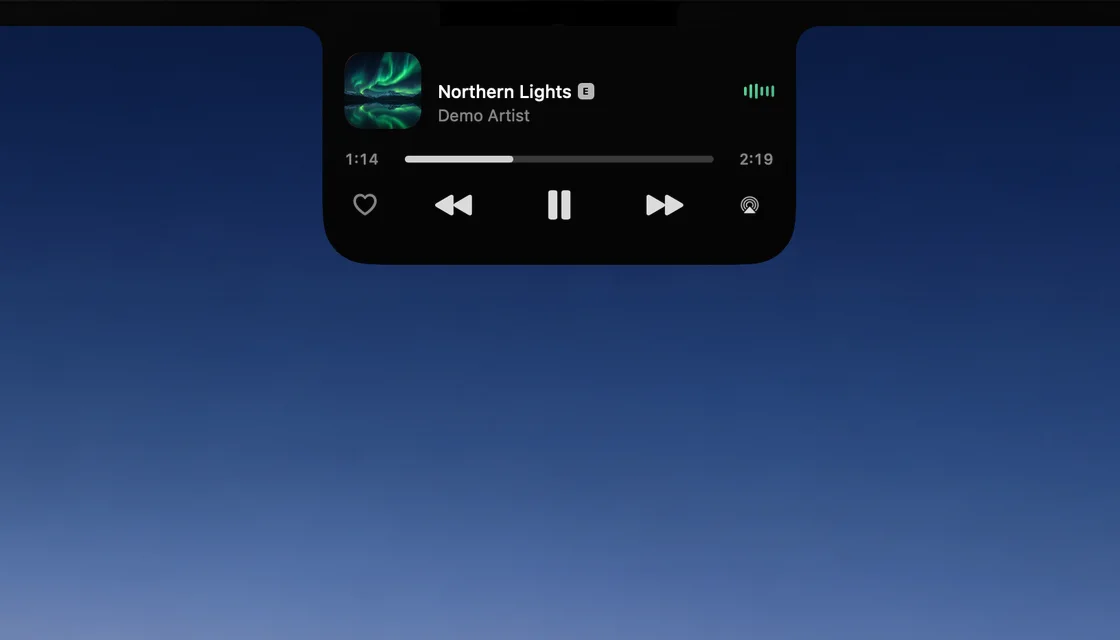
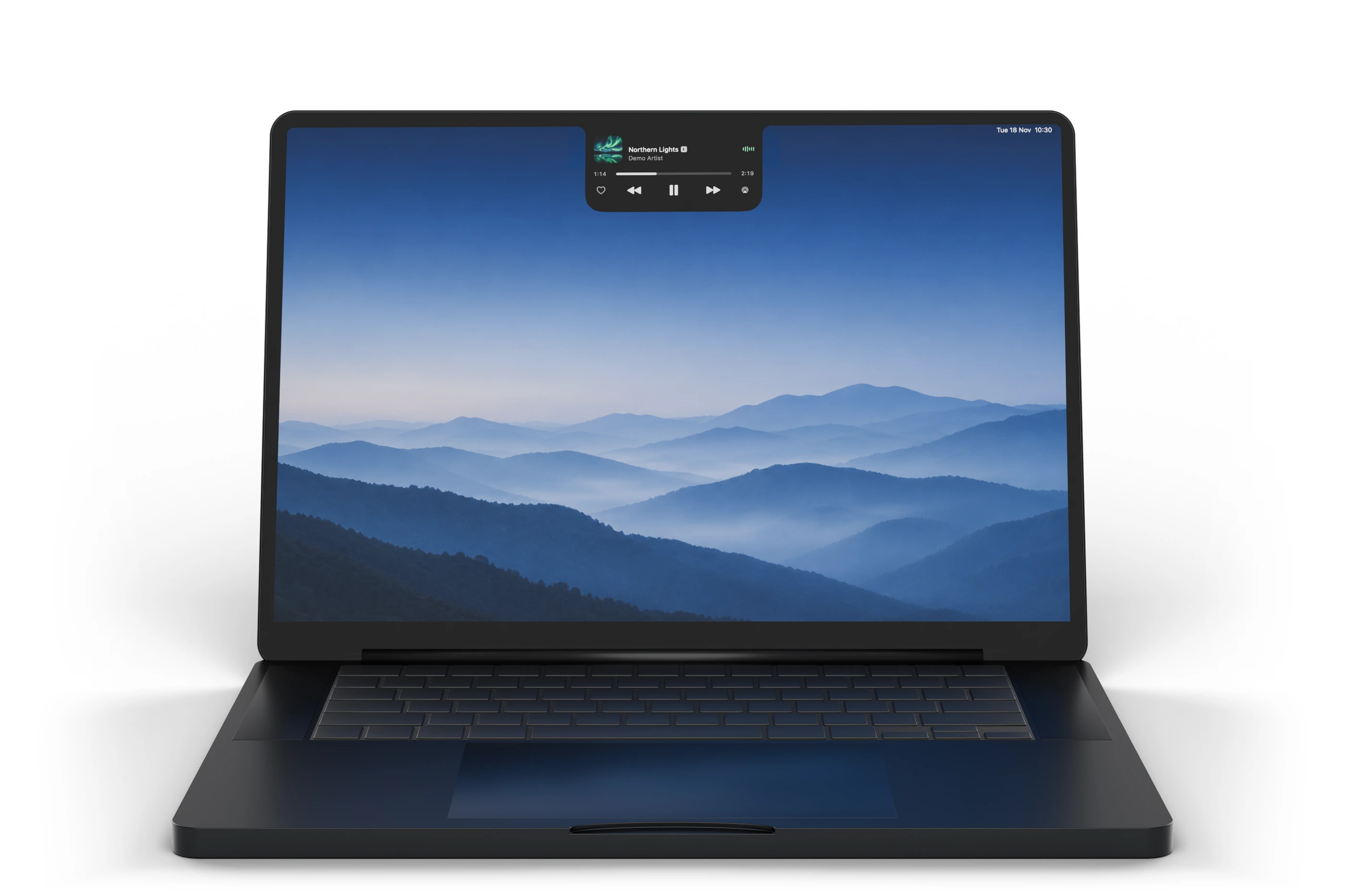
Your music, at the notch. Click it open for the art, the waveform, a scrubber and every control.
iCay
What's playing, your files and your iPhone.
All around the MacBook notch.
Media ControlsWhat's playing, always there
Quick AccessYour files, right in the notch
Live UpdatesStay in sync, effortlessly
Private & SecureBuilt for your Mac
Any Mac. No notch? iCay draws its own island at the top of the screen.
Free iPhone app. Portal works with iCay for iPhone, at no cost.
Private by default. Calendar, Clipboard and Agents stay off until you turn them on. What they see stays on your Mac.
Made for macOS 26. Written in Swift for the notch and the lock screen.
Your music, at the notch. Click it open for the art, the waveform, a scrubber and every control.
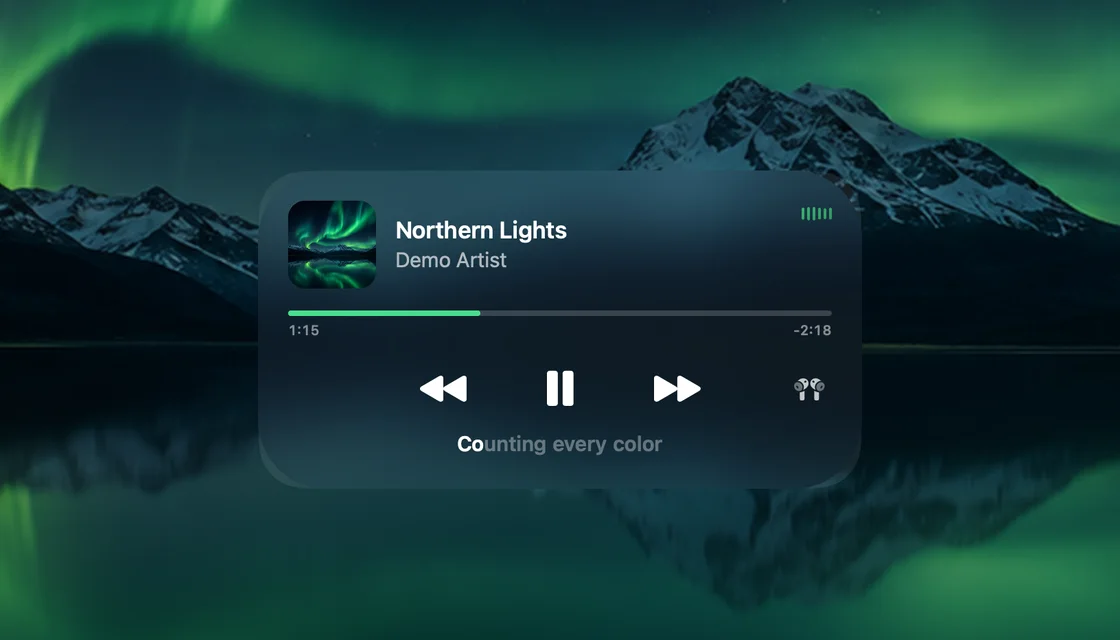
The art, full screen. Lock your Mac and the album art fills the screen, while the lyrics light up word by word.
Your next meeting. A countdown and a green Join for Meet, Zoom, Teams, Webex and FaceTime.

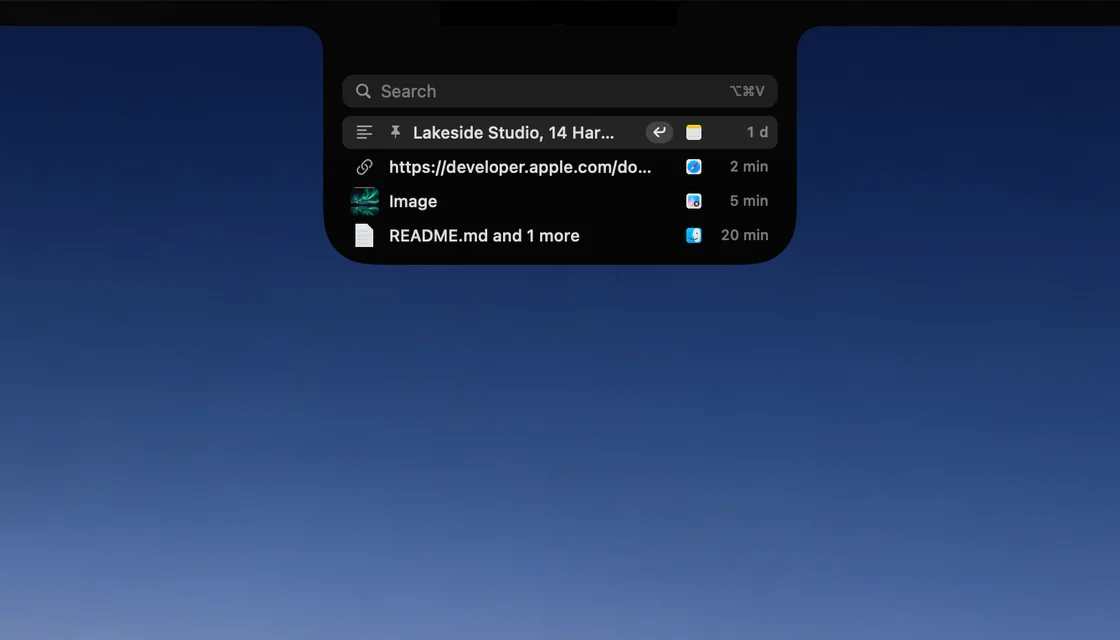
Everything you copied. Press ⌥⌘V to search it, pin it and paste it back. Passwords are never kept.
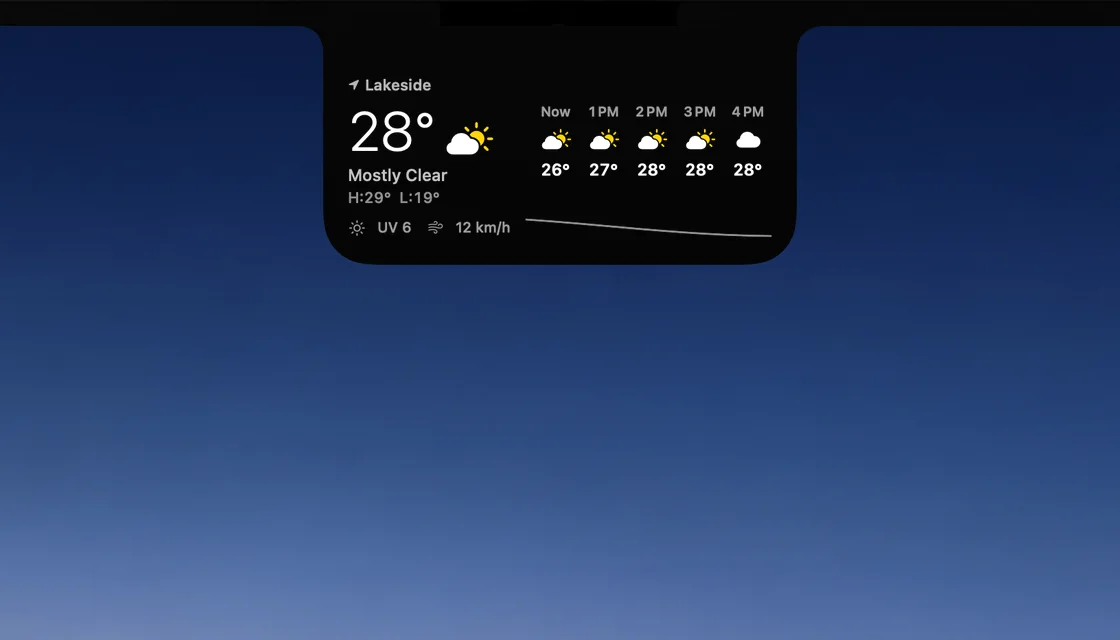
Weather, a swipe away. Swipe left on the open island: now, the next hours, UV and wind.
Claude Code and Codex. See which session needs you, and answer it right from the notch.


Portal
Hold a photo or file in the free iCay app and drag it off an edge of your iPhone. It comes in at the edge of your Mac, at the same height, and lands in the notch. Text and links too, and it works the other way.
Photos and videos. Straight from your library.
Files. Anything you pick in the Files app.
Contacts and notes. People as cards, or something you type.
Your landing. Rainbow, Portal, Field Goal, Volcano or Black Hole.
No server, no account.
iCay matches your face with a Core ML model that runs on the Mac. Nothing about your face goes over the network.
Only numbers that describe your face.
Setup turns a few camera frames into face fingerprints, lists of numbers, and keeps only those. The frames themselves are thrown away.
Where macOS keeps your passwords.
Your face and this Mac's password stay in its keychain, never synced. macOS checks the password before iCay keeps it.
A blink or a slight turn of the head.
Before it unlocks, iCay looks for movement, so a still picture has a harder time. Choose Light or Strict in Face ID settings.
Press Space or click, then look.
On the lock screen the camera stays off until you press Space or click the Face ID pill. Then it looks for a few seconds.
One click in Settings.
Delete Face Data, in Settings > Face ID, removes your face and the stored password from this Mac.
A convenience, not Apple's Face ID.
A photo of your face could unlock this Mac. For anything sensitive, type your password.
Coming soon for Mac. The iPhone app is free.
Requires macOS 26.